iOS 15 update fixes widgets issue on iPhone 13, iPad mini and iPad 9
- A day-one security fix is available for iPhone 13, iPad mini 6 and iPad 9.
- The update addresses issues with widgets resetting after restoring from a backup.
According to Apple, an issue after restoring from a backup could result in your widgets resetting to their default settings. If you’re not familiar, Apple and third-party developers provide options to customise some widgets, such as setting the location for the Weather widget, or displaying selected notes for the Notes widget.
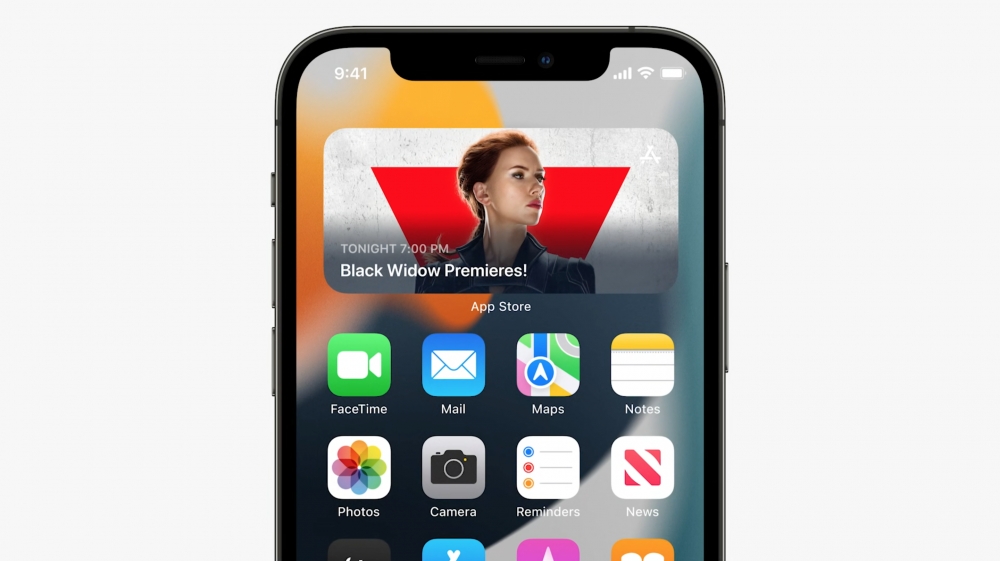 If you have experienced this issue, Apple says that you can take the following steps to customise widgets to your liking.
Tap and hold on a widget to open a menu with quick actions. Tap Edit. Change the settings, and tap anywhere on the screen to save and dismiss.
You should also update to the new build of iOS 15 if you have an iPhone 13, iPad mini 6 or iPad 9th-generation. This build is not available for users on older devices, and is not a new version of iOS 15, like iOS 15.0.1 or iOS 15.1.
Recommended by the editors:
- Which iPhones Are Being Discontinued in 2025? Complete List of Discontinued Apple Products
- The Top 100+ Free Wallpapers for Your iPhone in 2025
- Why Did Apple Discontinue the iPhone Mini?
- 100+ Best Free Wallpapers for iPhone 13, 13 mini, 13 Pro, and 13 Pro Max
- The Evolution of iPhone Design: A Historical Overview (2007-2024)
Published to Apple Scoop on 25th September, 2021.