How to get access to Apple software before everyone else
- Want to try out the latest iOS beta on your iPhone before anyone else? Keep reading!
- We'll guide you through the steps to join Apple's beta program, install and run the iOS beta on your iPhone.
- Not a developer? No problem! You can still get the developer beta by finding and downloading the iOS 16 beta profile on a non-Apple site.
- Remember to back up your iPhone before installing any beta software and note that there may be glitches and problems that need to be addressed.
- Installing a developer beta without being a registered developer goes against Apple's terms and conditions, and it will void your warranty.
Apple typically announces the new iOS version every June, but it isn't available until the fall. But what if you can't wait that long? Installing the beta is the solution!
In this article, we will walk you through the steps to get the latest iOS beta, how to join Apple's beta program, and how to install and run an iOS beta on your iPhone.
If you want to install the full public version of iOS 16 on your iPhone, read our separate article on "How to install iOS 16 on your iPhone."
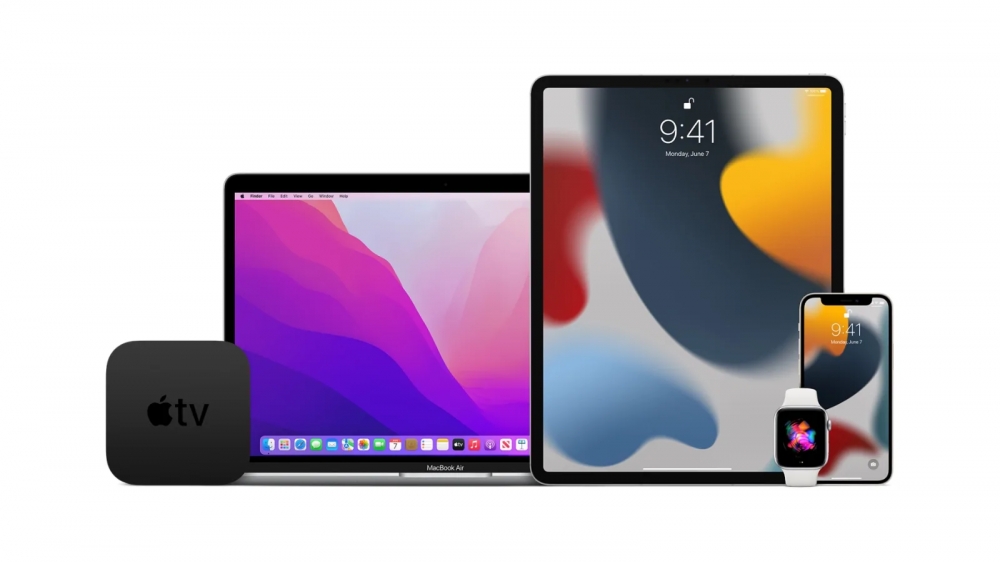 Image credit: 9to5Mac
What's the latest beta version?
The current full release of iOS 16.3.1 is available.
How to Install the Latest iOS 16 Public Beta
Apple offers a beta testing program for members of the public who would like to test out new features. However, the public beta version is always behind the developer one. To install the iOS public beta, follow these instructions:
- Go to the Apple Beta page and sign up with your Apple ID.
- Log in to the Beta Software Program.
- Enroll your iOS device by clicking the button for the current version of the beta.
- Go to beta.apple.com/profile on your iOS device.
- Download and install the configuration profile.
- Go to General > VPN and Device Management in Settings to enable the profile.
- The beta version is now available in the Settings app under General > Software Update.
- If you want to stop receiving beta updates, check out our article on "How to remove an iOS beta from your iPhone."
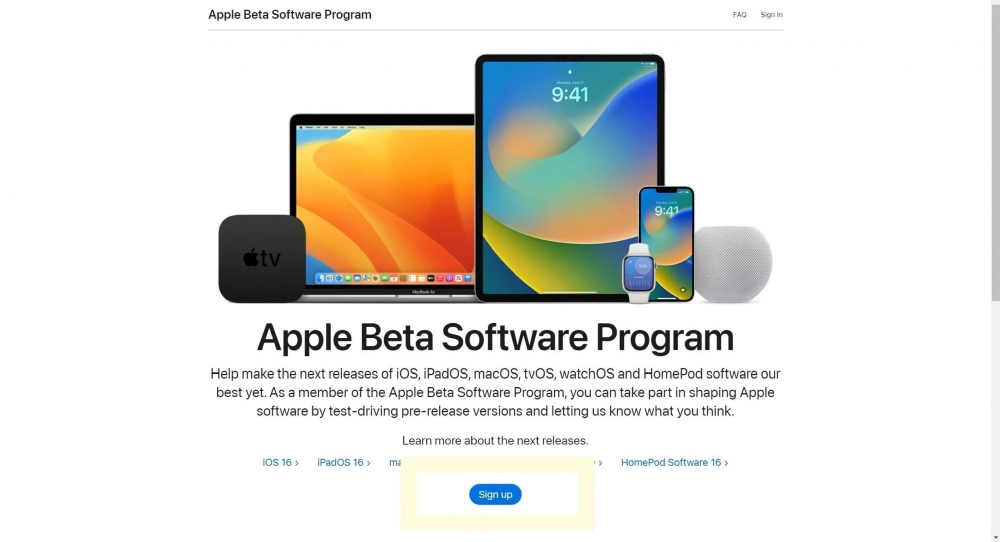 Image credit: Trusted Reviews
How to Install the iOS 16 Developer Beta
Developers get access to each stage of iOS 16's development cycle before the public. To install the iOS 16 developer beta, follow these eight easy steps:
- Go to developer.apple.com on your iPhone and log in with your Apple ID.
- In the Downloads section, tap Install Profile, and then Accept to download iOS 16 beta.
- Open the Settings app and tap on the downloaded profile.
- Tap Install to install the iOS 16 beta profile.
- Read and consent to the developer consent form.
- Restart your iPhone.
- Go to Settings > General > Software Update.
- Download and Install the iOS 16 beta.
Can I Get the Developer Beta If I'm Not a Developer?
If you're not a developer but want to install the developer beta, you can find and download a copy of the iOS 16 beta profile on a non-Apple site. Google is your friend here. Once you've downloaded the profile, follow the same installation steps as above, starting at step 3.
What's a Beta?
A beta is a pre-release testing version of upcoming software. Every iOS update goes through the beta phase before it officially launches, including small tweaks and major updates like iOS 16.
Risks and Precautions
Note that betas are unfinished software versions, and there may be glitches and problems that need to be addressed. Therefore, it is recommended to backup your iPhone before installing any beta software. Also, installing a developer beta without being a registered developer goes against Apple's terms and conditions, and it will void your warranty.
Recommended by the editors:
- Free Wallpaper Download — 250+ Best Backgrounds
- Best 100+ Depth Effect Wallpapers & Backgrounds for iOS 26
- iPhone 17: 10 Hidden Features You Never Knew Existed
- Top iOS 26 Wallpapers & Backgrounds — Download Free
- Top 500+ Stock Wallpapers for iPhone, Android, Mac, PC, and iPad (Free 4K/HD)
Published to Apple Scoop on 6th March, 2023.