watchOS 11 is Here: How to Upgrade and What’s New
- Ready to ditch that old ringtone? WatchOS 11 finally lets you customize your Apple Watch's alert sounds.
- AI is going to change some things about your Apple Watch, but don’t expect much yet.
- Is your Apple Watch on the upgrade list? Discover which models get the watchOS 11 boost.
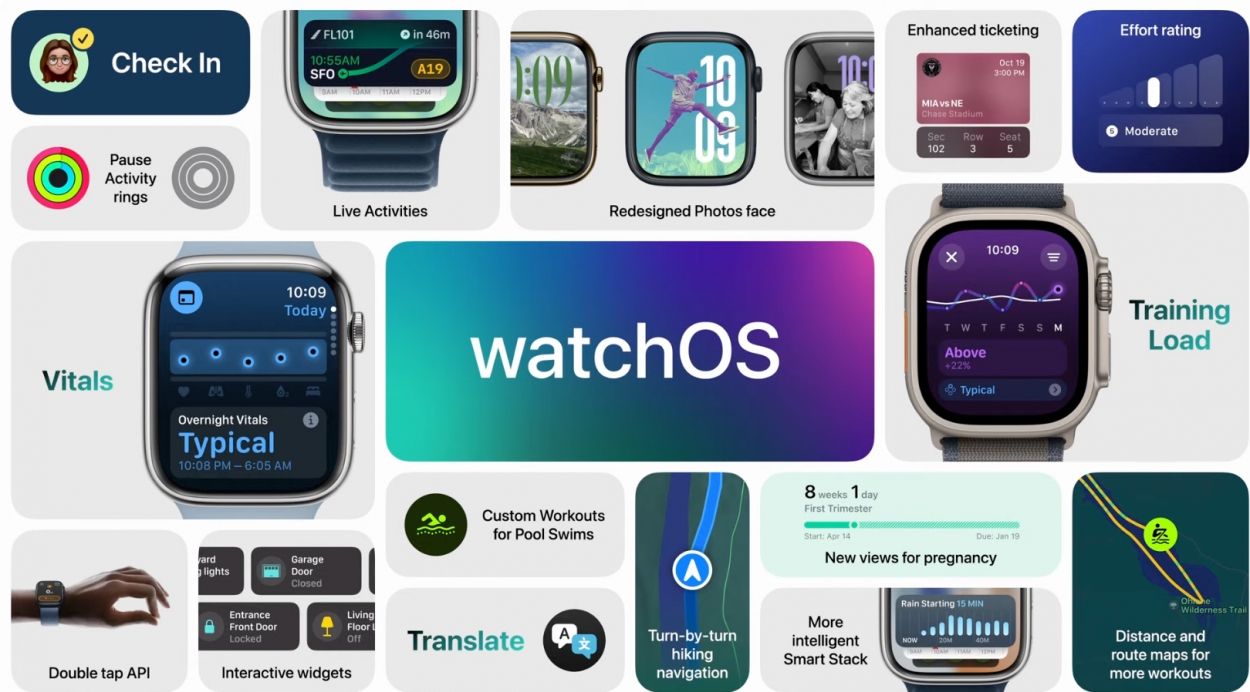 Photo via Apple Inc. // watchOS 11 is rolling out—make sure your Apple Watch is updated to enjoy the latest features.
What’s New in watchOS 11?
1. Customizable Ringtones
For the first time, Apple Watch users can now change their default ringtone. Since the launch of the Apple Watch, users have been restricted to Apple’s preset ringtones. In addition to ringtones, users can now customize notification sounds for texts, emails, calendar alerts, and reminders. While the update doesn’t yet support setting unique ringtones for individual contacts or purchasing ringtones from the iTunes Store, these changes mark a significant improvement in personalization.
Editors note: I have been waiting on this feature since Series 0 so I’m putting it at #1
2. AI-Powered Enhancements
The update also integrates AI to enhance user experience:
- Translate App: The new Translate app, available on Apple Watch Series 9, Series 10, and Apple Watch Ultra, offers offline language translation with support for up to 20 language models.
- Smart Stack: This feature now intelligently updates with relevant widgets based on context, such as time of day and location.
- Photos Watch Face: Utilizing machine learning, this new watch face curates and displays photos from your library.
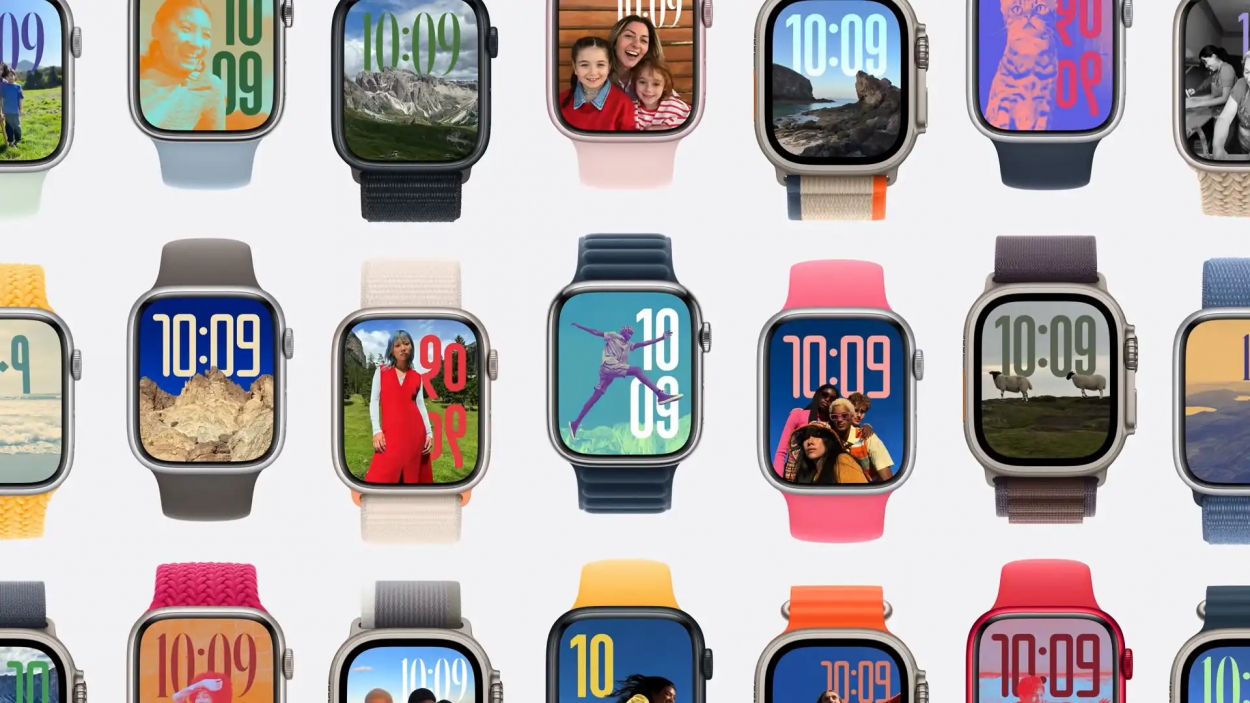 Photo via Apple Inc. // A vibrant array of new watch faces introduced with watchOS 11, adding a splash of color to your wrist.
How to Upgrade to watchOS 11
To install watchOS 11, ensure you have an Apple Watch Series 6 or later.
To install the update, go to Watch > General > Software Update.
It is recommended that you put your Apple Watch on the charger while the software is updating.
Supported Models:
- Apple Watch Series 10 (Tap to learn more!)
- Apple Watch Series 9
- Apple Watch Series 8
- Apple Watch Series 7
- Apple Watch Series 6
- Apple Watch Ultra 2
- Apple Watch Ultra
- Apple Watch SE (2022) and newer
Models Not Supported:
- Apple Watch Series 5 (2019)
- Apple Watch Series 4 (2018) and older
- Apple Watch SE (2020)
Apple often phases out support for older models to focus development on newer devices, a strategy that encourages users to upgrade to the latest hardware.
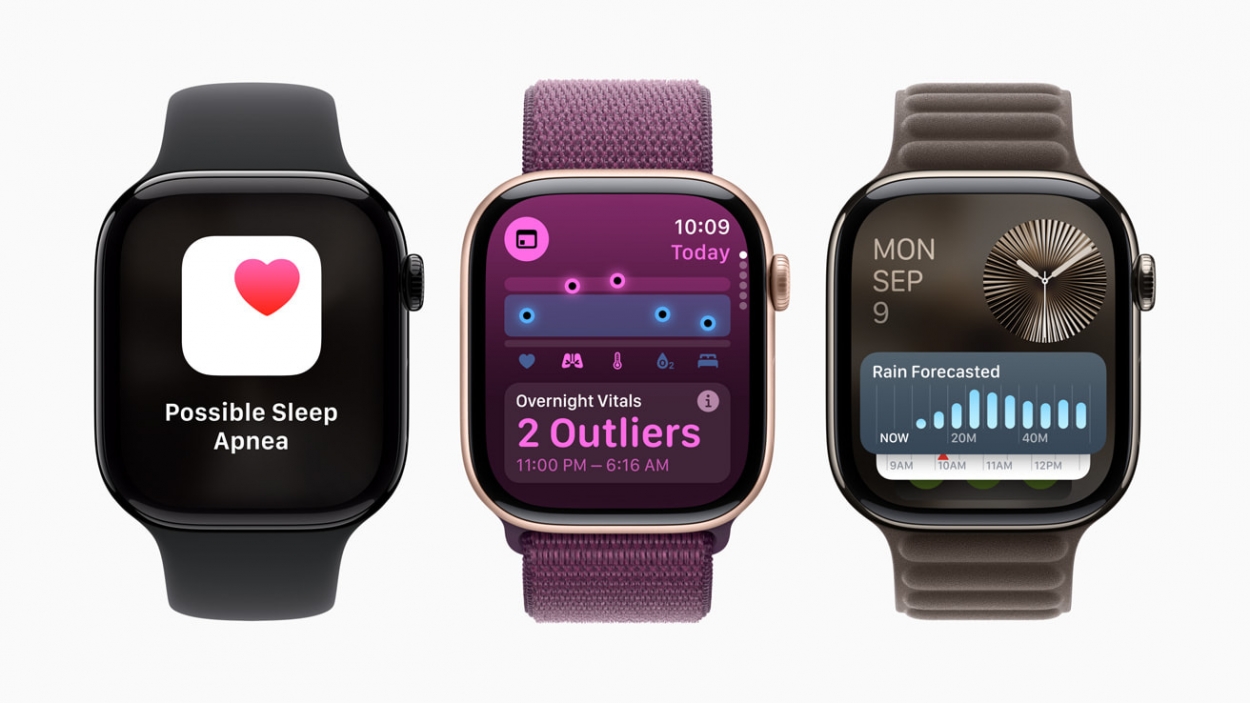 Photo via Apple Inc. // A quick peek at watchOS 11's sleek design, showcasing its refreshed interface and user experience.
Final Thoughts
watchOS 11 represents a significant step forward for Apple Watch, offering much-requested customization and powerful new features. If you own a compatible model, this update is definitely worth exploring to take full advantage of these enhancements.
For a detailed guide on installing the update or to explore more features, visit Apple's official website or check the settings on your Apple Watch.
Recommended by the editors:
- Apple’s ‘AI Doctor’: Is Apple About to Rewrite Healthcare?
- Apple Watch Series 12 Rumors: Release Date, Design, Battery Life, and More
- Apple’s Biggest Product Failures: Top 10 Design and Business Flops
- Top 10 Rare Apple Prototypes You've Never Seen
- Apple Watch SE 3 Rumors: Release Date, Pricing, Features, and More
Published to Apple Scoop on 17th September, 2024.