Apple M5 Explained: Everything You Need to Know
- Apple recently announced a slate of new products powered by Apple's latest silicon, the M5.
- M5's single-core speed is basically double that of M1. That's a pretty huge deal.
- In this article, we're breaking down in detail the notable new features of Apple's M5, compared to previous Apple silicon chips.
The cleanest way to think about M5 is this: Apple shoved AI straight into the graphics cores and widened the memory firehose. That combo changes what you can do on-device.
Basically:
- Apple says M5’s new GPU has a Neural Accelerator inside every GPU core, which is why AI workloads speed up so much. Peak GPU compute for AI is over 4× compared to Apple M4, and ray-traced graphics can be up to 45% faster.
- CPU wise, you still get up to 10 cores (4 performance + 6 efficiency) and about 15–20% higher multithreaded performance over M4, depending on the product. Single-core uplift over M4 looks ~10–12% in early tests.
- Unified memory bandwidth jumps to 153 GB/s (from 120 GB/s on M4) — that’s the unsung hero for bigger local models and faster media work.
Now let’s ground the hype with numbers.
 Photo via Apple // The wait is over. Apple M5 is here. Kind of.
How fast is it, really? (M5 vs. M4 vs. M1)
Early Geekbench 6 single-thread results for M5 iPad Pro land around 4,133, putting it roughly 10–12% ahead of M4 iPad Pro and well ahead of current mainstream PC single-core figures. On the long timeline, M1 Macs commonly score ~2,300 single-core, so M5 on Mac should hover around ~4,300 — basically a doubling over five years. That’s not a “nice to have”; that’s generational compounding.
“Hold up — is anyone outside Apple saying this?” Yes. Tom’s Hardware reported the 4,133 single-thread hit from an M5 iPad Pro listing, while round-ups suggest roughly 10% single-core / 15–20% multi-core gains vs. Apple M4 across early runs. Apple itself claims up to 15% multithreaded uplift.
What actually changed under the hood
CPU: small bump, still elite
M5 keeps up to 4 performance + 6 efficiency cores and Apple’s “world’s fastest performance core” claim. Expect snappier responsiveness and slightly better compile times, with the lion’s share of the generational “feel” coming from everything around the CPU rather than the CPU alone.
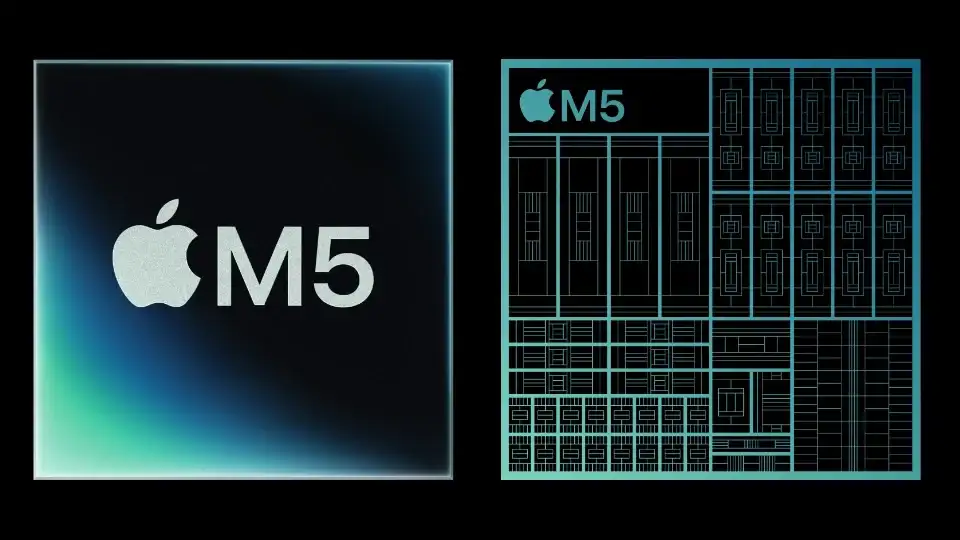 Photo via Production Expert // An illustration of Apple's new M5 chipset, as shown by Apple.
GPU: Neural Accelerators in every core
This is the headline. Each of the 10 GPU cores now includes a Neural Accelerator, so GPU-based AI (diffusion, image upscaling, transformers scheduled on GPU) scales much harder than before — over 4× M4’s peak GPU compute for AI. There’s also 3rd-gen ray tracing and enhanced shader cores, which net up to 45% graphics uplift in ray-traced apps and games.
Neural Engine: still 16 cores, now faster
Apple says the 16-core Neural Engine is faster and works in concert with those GPU-side accelerators. The practical upshot: on-device Apple Intelligence features feel faster, and devs tapping Core ML / Metal Performance Shaders / Tensor APIs in Metal 4 can move more work on-device without a power penalty.
Memory: the quiet MVP
153 GB/s unified bandwidth is almost a third higher than M4 and more than 2× M1. Translation: bigger context windows and textures, quicker video scrubs, and fewer “why is this paging?” moments when you’ve got a local LLM, Lightroom, and Final Cut all open.
Process node
Apple calls it third-generation 3-nm. Reporting points to TSMC N3P vs. M4’s N3E, which aligns with a modest clock/power efficiency gain without changing the core counts.
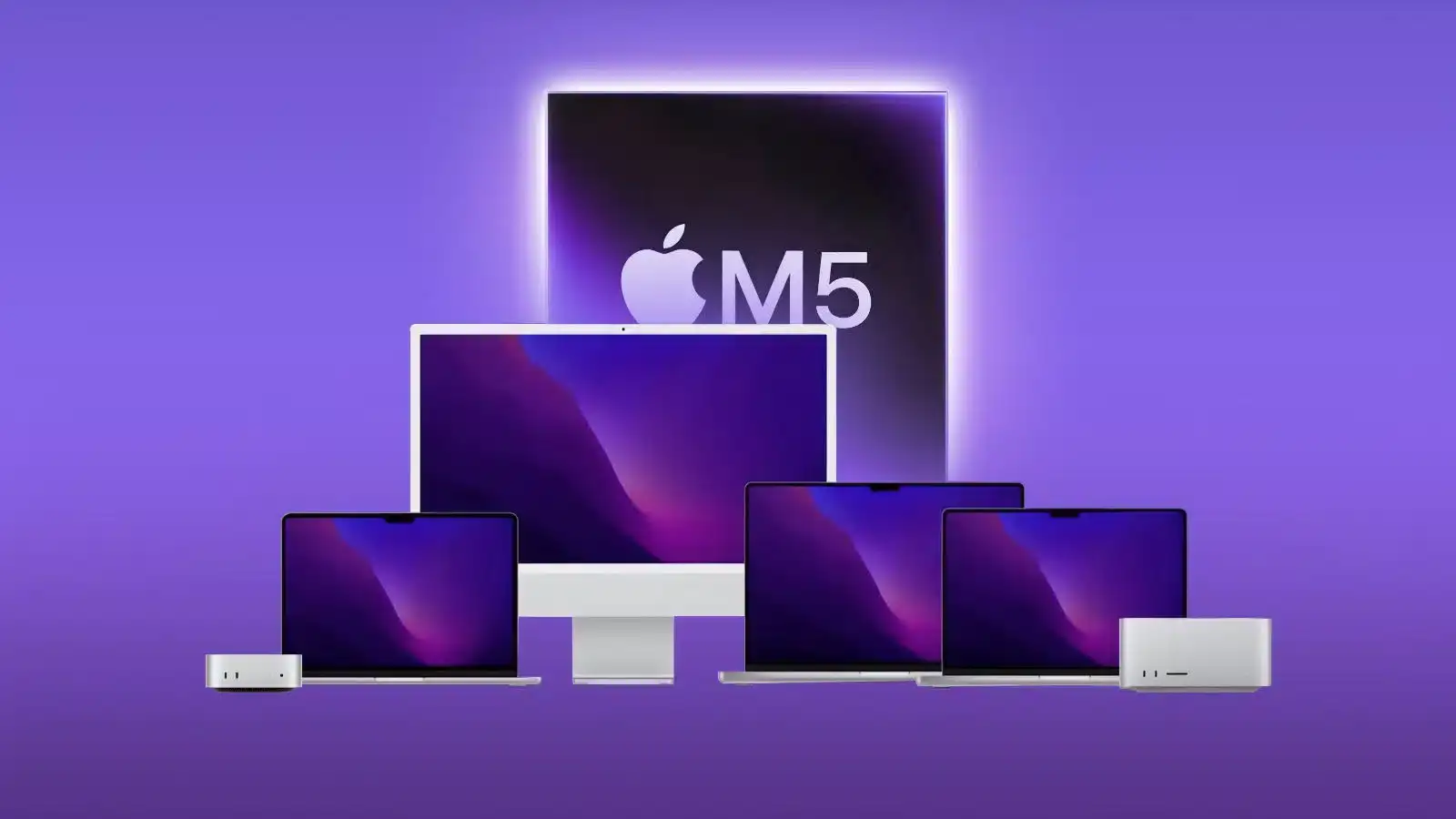 Photo via iLounge // Apple's M5 chip is expected to expand to other Apple products in the coming months, analysts say.
What it means in real apps
- Local LLMs (LM Studio, webAI): faster time-to-first-token and higher sustained tokens/sec thanks to the GPU accelerators and bandwidth. Apple cites up to 3.5× AI performance in the new 14-inch MacBook Pro vs. M4.
- Topaz Video / AI video tools: Apple’s own charts show ~1.8× vs. M4 for AI video enhancement on MacBook Pro, and much larger gains if you’re jumping from M1.
- Blender / 3D: ~1.7× vs. M4 in Apple’s tests, helped by the new ray-tracing pipeline and dynamic caching.
- Games (yes, on Mac): Apple quotes up to 1.6× higher frame rates vs. M4 in supported titles with ray tracing. It’s still a titles-and-porting story, but the hardware’s no longer the bottleneck it once was.
The M5 lineup: what you get per device
14-inch MacBook Pro (M5)
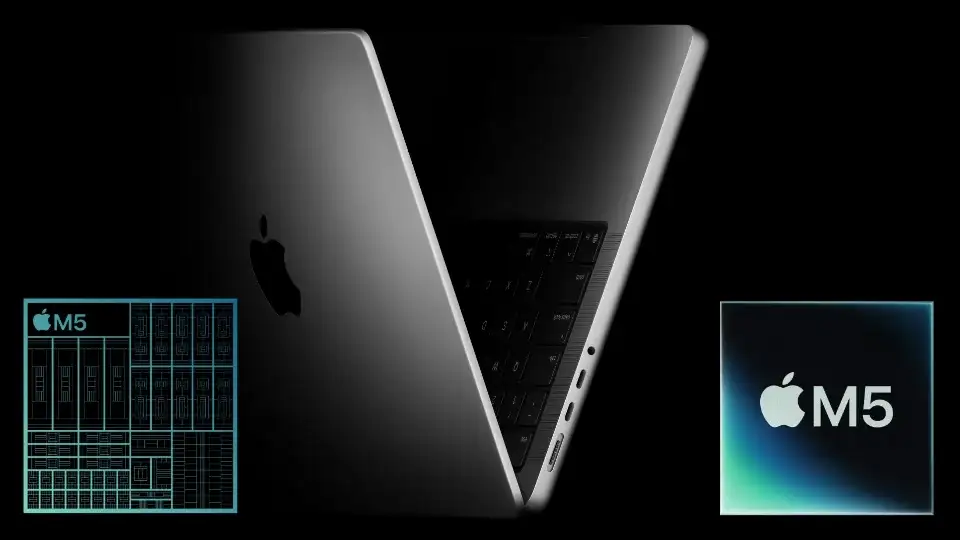 Photo via Production Expert // Official teaser image of the Apple M5 MacBook Pro (2025).
This is the sweet spot: same $1,599 starting price, up to 24-hour battery life, faster SSDs, up to 4TB storage, and a big AI uplift for work and study. If you’re on M1, the jump is dramatic: Apple calls out up to 2× CPU, ~6–7× gains in select GPU/AI tasks.
iPad Pro (M5)
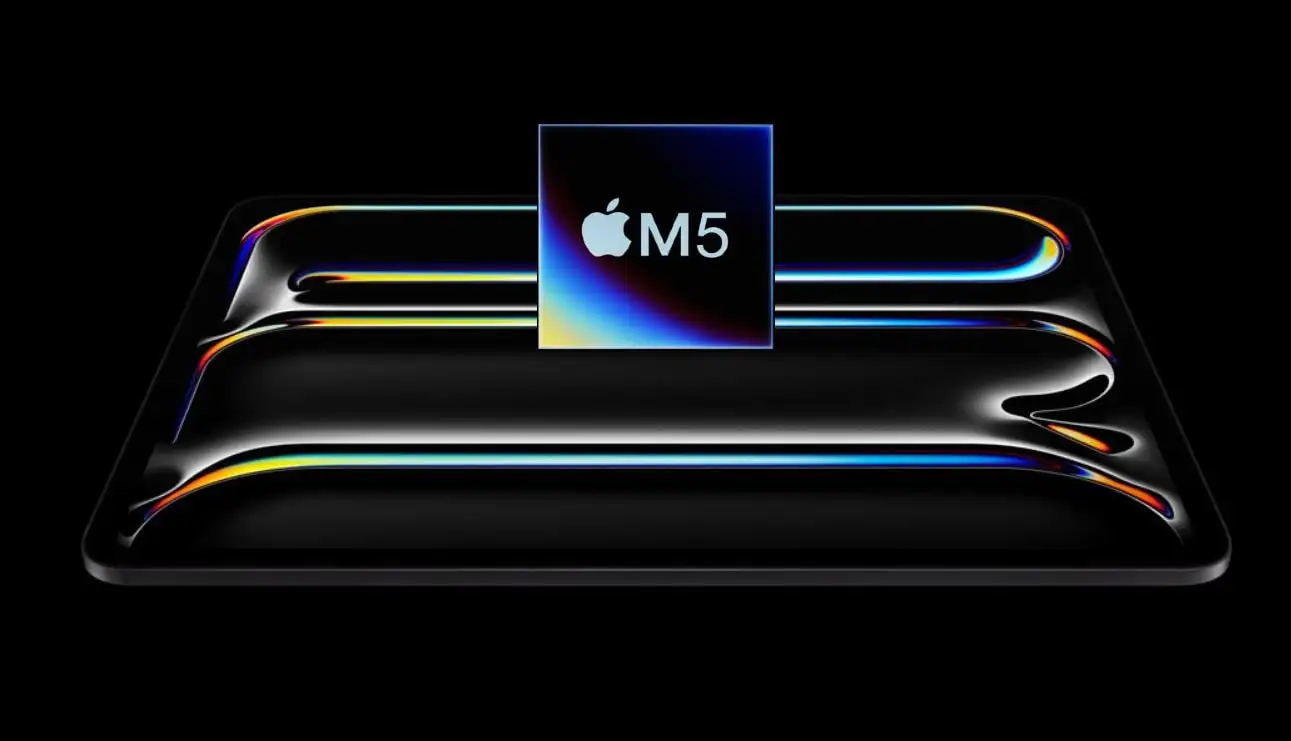 Photo via TechJuice // The M5 iPad Pro (2025), announced in October by Apple Newsroom in Cupertino, California.
The light, thin M5 iPad Pro now shares the same silicon story: faster AI, quicker pro-app renders, snappier media work — essentially M5’s gains with iPadOS perks. For creators who sketch, edit, and run small local models, it’s a sleeper power tool.
Apple Vision Pro (M5)
 Photo via Apple // The M5 Apple Vision Pro (2025), announced in October by Apple Newsroom in Cupertino, California.
Two big quality-of-life wins: 10% more pixels rendered and refresh up to 120 Hz; battery endurance improves as well. The Dual Knit Band is comfier, and the price stays at $3,499. If you live in spatial apps or do heavy Persona / capture work, M5 matters.
Why Apple’s single-core trend looks so insane
From late 2020 (M1) to late 2025 (M5), Apple’s single-thread went from roughly ~2,300 to ~4,100–4,300 on Geekbench 6 — close to a 2× climb. In the same window, flagship desktop chips from AMD/Intel gained much less in that specific single-thread metric. That gap isn’t magic; it’s cadence, focus, and power budgets: Apple ships near-annual architectural refinements, tunes for high-IPC+latency-sensitive macOS workloads, and designs the whole stack (compiler to scheduler to silicon), squeezing more benefit from each small step. Early coverage calling out the ~2× vs. M1 picture lines up with both Apple’s claims for multithread gains and third-party single-core sightings.
Should you upgrade?
- On M1 (any): Yes, if you do creative work, code, or AI. The leap is huge: CPU roughly 2×, GPU/AI many-×. Battery life, SSD speeds, and displays also step up.
- On M2: Strong “yes” if you run AI, 3D, or video tools; “maybe” for everyday office/school unless you want future-proof headroom.
- On M3: Consider it if AI and graphics matter daily or you’re bumping into memory bandwidth. Otherwise, you can wait.
- On M4: The CPU bump is mild; the GPU+AI story is the draw. If you run diffusion/LLMs/video enhancement a lot, M5 is worth it. If not, hold for M5 Pro/Max cycles.
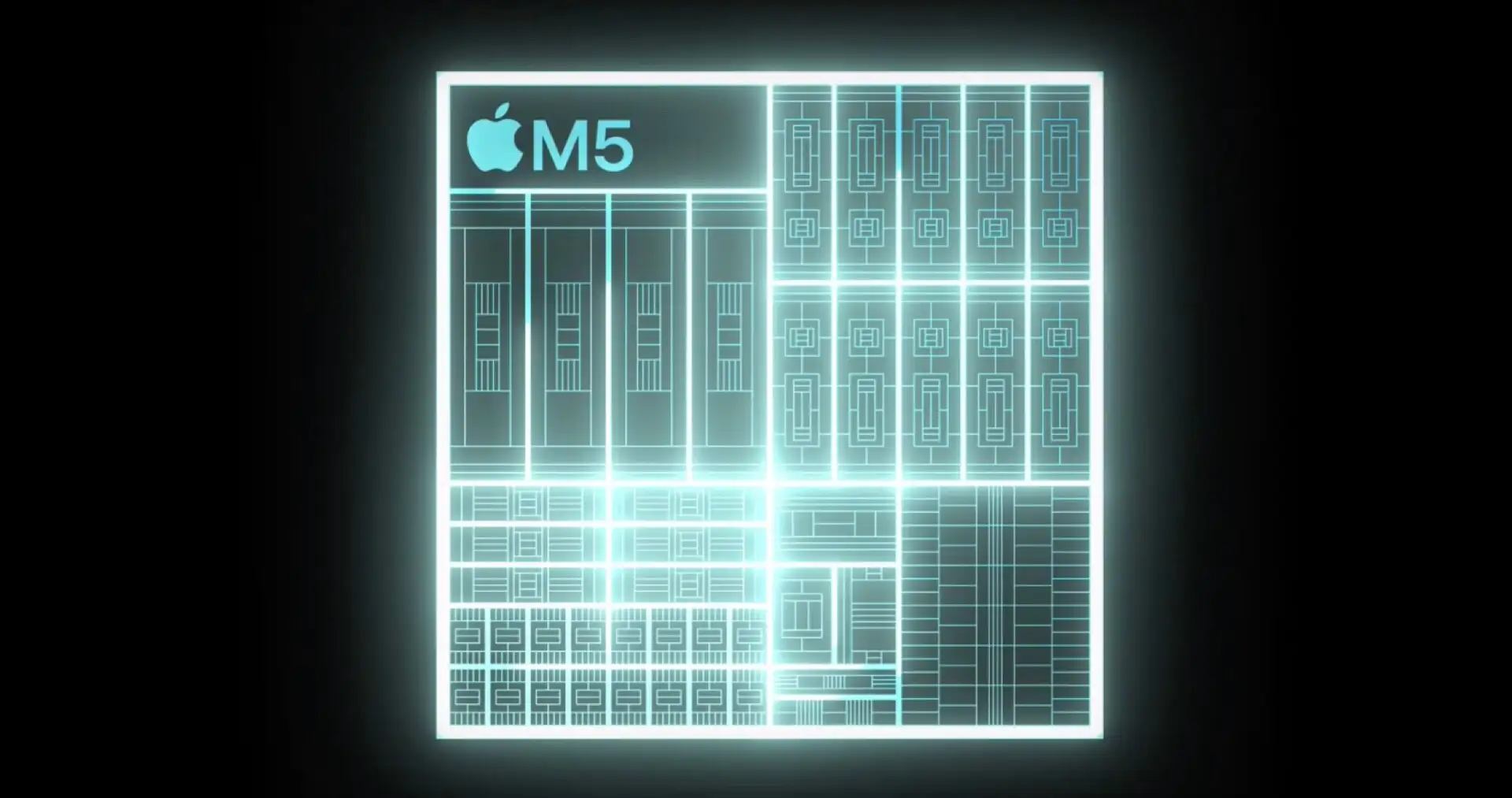 Photo via NotebookCheck // Apple's latest M5 chipset (announced in October 2025) glowing.
FAQs
Is M5 on a new process?
Yes, Apple says third-gen 3-nm. Reporting points to TSMC N3P, which offers small efficiency/density gains over M4’s node.
Does M5 really help with Apple Intelligence?
Yep — faster Neural Engine + GPU Neural Accelerators + 153 GB/s bandwidth improve model responsiveness and let more tasks stay on-device.
Any storage/battery wins?
MacBook Pro gets faster SSDs and up to 24 hours battery; iPad Pro benefits from the same chip-level speedups; Vision Pro picks up more efficient rendering plus that 120 Hz ceiling.
So… what’s the headline takeaway?
M5 isn’t “just” a CPU refresh. It’s a platform move: GPU-level AI acceleration + higher memory bandwidth. That’s why small-sounding CPU gains still translate into big workflow wins.
Recommended by the editors:
- OLED MacBook Air Rumors: Release Date, Features, Price, and More
- M5 Pro & M5 Max MacBook Pros: Release Date, Rumors, Pricing, and More
- M5 MacBook Air Rumors: Release Date, Specs, Pricing, and More
- M6 MacBook Pro Rumors: OLED, Touch Screen, and No Notch?
- 100+ Best Free Wallpapers for Apple M5 iPad Pro (4K/HD)
Published to Apple Scoop on 16th October, 2025.